
2. Photos that make people want to visit
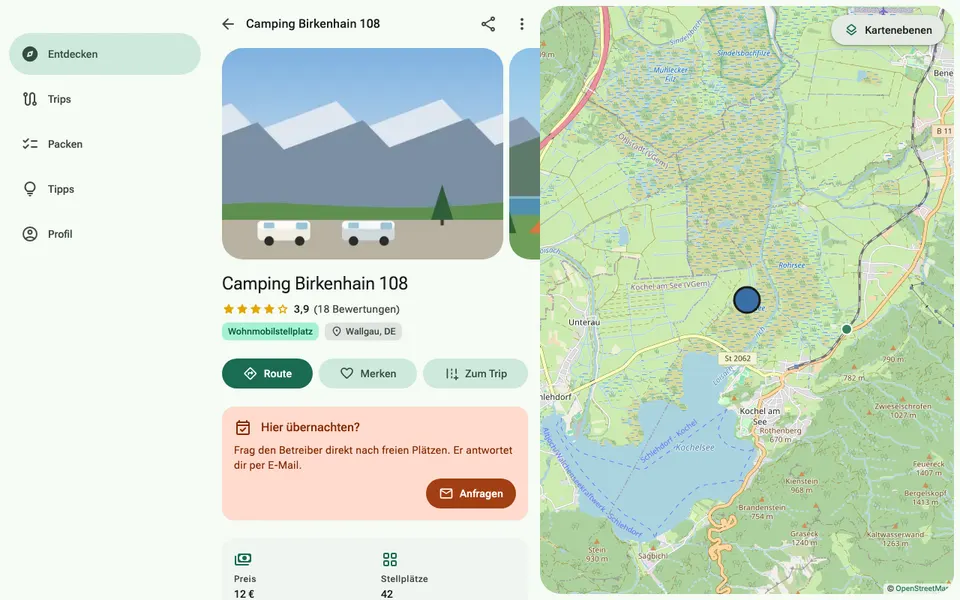
Photos are the first thing campers see. Sites with good pictures are opened more often and receive more enquiries.
How it works
- Open your site and tap “Add photo” in the photo strip. An image can be up to 10 MB.
- You choose the cover photo under “My site”, in the photos section. Without a choice, the newest photo becomes the cover.
- Five to ten pictures work well: an overview, a typical pitch, the shower and toilet block, water supply and waste disposal, the surroundings.
Quick check
- The cover photo shows the site, not the logo
- The shower and toilet block looks clean and bright
- No recognisable faces or number plates of guests